Step-by-Step Guide: How to Fly Your First DJI Drone Safely

Flying your first DJI drone is an exciting moment — but it can also be intimidating. Whether you’ve just unboxed a DJI Mini 4 Pro or upgraded to the DJI Air 3, you want your first flight to be smooth, safe, and fun. This guide walks you through every step of the process, from setup to takeoff, covering important safety tips, beginner-friendly maneuvers, and pro techniques on how to fly your first DJI drone safely.


Why Learning to Fly Safely Matters

Flying a drone isn’t just about cool aerial shots — it’s about safety and responsibility. In India (and most countries), drone pilots must follow aviation regulations. Mishandling your first flight could result in accidents, property damage, or even legal trouble.

By following this step-by-step guide on how to fly your first DJI drone safely, you’ll:

  • Avoid common beginner mistakes.

  • Protect your investment (and others around you).

  • Build confidence before moving to advanced maneuvers.

  • Capture better aerial footage right from day one.

📝 Example: Rohan, a first-time flyer from Pune, practiced hovering and basic box patterns for three sessions before attempting cinematic shots — and avoided crashing into nearby trees by keeping within visual line of sight.


Step 1: Understand Drone Regulations

Before you fly, familiarize yourself with DGCA (Directorate General of Civil Aviation) rules in India or your local aviation authority’s guidelines. Key rules include:

  • Register your drone if required (under Digital Sky platform for India).

  • Fly below 120 meters to avoid airspace violations.

  • Avoid no-fly zones like airports, government buildings, and military areas.

  • Keep your drone within Visual Line of Sight (VLOS) at all times.

  • Respect privacy — don’t film people without permission.

Pro Tip: Download apps like DJI Fly or AirMap to check no-fly zones before heading out.


Step 2: Set Up Your DJI Drone

Take time to prepare your drone properly — this will prevent mid-flight issues.

Pre-Flight Setup Checklist:

  1. Unbox and charge batteries (both drone and remote controller).

  2. Install propellers correctly — double-check they are secured.

  3. Update firmware through the DJI Fly app.

  4. Calibrate the compass and IMU (in-app prompt usually appears before the first flight).

  5. Insert a formatted microSD card for smooth video recording.


Step 3: Choose the Right Flying Location

Your first flight should be in an open, safe environment:

  • Large, open field with minimal obstacles.

  • Away from crowds, cars, power lines, and tall buildings.

  • On a calm day — avoid strong winds or rain.

⚠️ Safety Tip: Avoid flying near airports, wildlife reserves, or restricted areas. This is not just good practice but also a legal requirement.


Step 4: Master Basic Controls

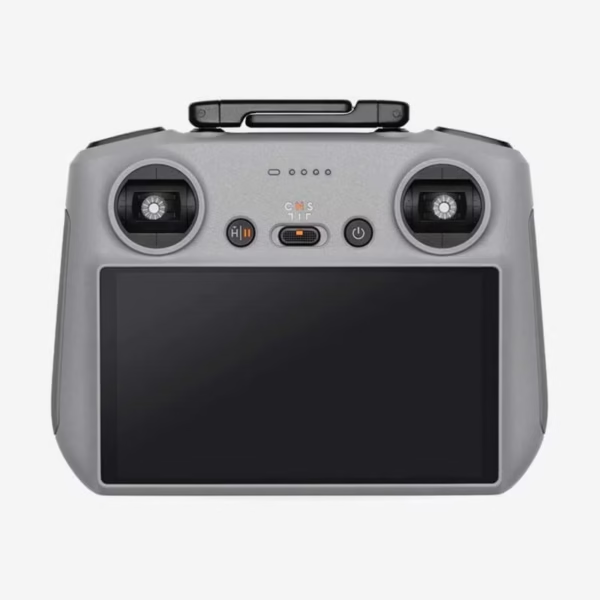
Take time to understand how your DJI controller works:

StickFunction
Left Stick (Up/Down)Ascend / Descend
Left Stick (Left/Right)Rotate / Yaw
Right Stick (Up/Down)Forward / Backward
Right Stick (Left/Right)Strafe Left / Right

Start with slow, gentle movements. Practice hovering, rotating, and landing before attempting complex shots.


Step 5: Take Off and Hover

  1. Place your drone on a flat surface.

  2. Use auto-takeoff in the DJI Fly app or manually start the motors.

  3. Ascend to about 3 meters and hover.

  4. Test all controls while keeping the drone stable.

This step builds your confidence and ensures everything is functioning correctly.


Step 6: Practice Beginner Maneuvers

Try these exercises to build muscle memory:

  • Box Pattern: Fly forward, right, back, and left to form a square.

  • Circle Hover: Rotate 360° while staying in one spot.

  • Figure Eight: Practice smooth directional changes.

🎥 Want cinematic shots? Check out our ND filters collection to improve video quality in bright conditions.


Step 7: Learn Emergency Procedures

Every drone pilot should know how to respond in emergencies:

  • Return to Home (RTH): Test this feature early — it will auto-land your drone at the takeoff point if signal is lost.

  • Manual Landing: Practice bringing it down safely.

  • Low Battery Warnings: Always land when the app alerts you.


Step 8: Review Your Footage

After landing, check your recorded footage:

  • Look for exposure issues, jitter, or horizon tilt.

  • Adjust camera settings for your next flight.

  • Learn from each session — your footage will improve over time.


Key Takeaways

  • Preparation is everything: Charge batteries, calibrate sensors, and update firmware.

  • Choose a safe location: Open spaces with no obstacles are ideal.

  • Master the basics first: Hovering and simple patterns build confidence.

  • Know the rules: Stay compliant with DGCA and local laws.

  • Practice regularly: Each flight makes you a better pilot.


Suggested Reads


Final Thoughts & Call to Action

Learning how to fly your first DJI drone safely is the key to enjoying stress-free flights and capturing stunning aerial shots. With the right preparation, knowledge, and practice, you can avoid costly mistakes and keep your drone in the air longer.

Ready to take your skills to the next level? Explore our full range of DJI drones and accessories and start creating professional-quality content today.