
- Tech Gadgeds
- Goods for Games
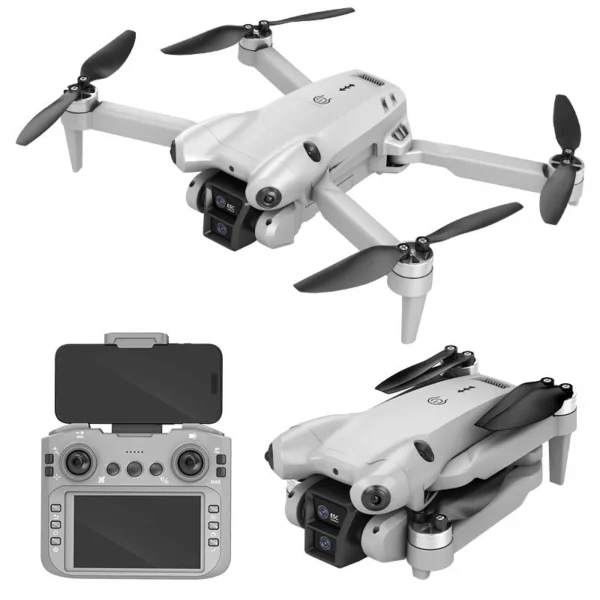
DJW M4 Ultra 4K Dual Camera Drone
Original price was: ₹8,999.00.₹5,999.00Current price is: ₹5,999.00.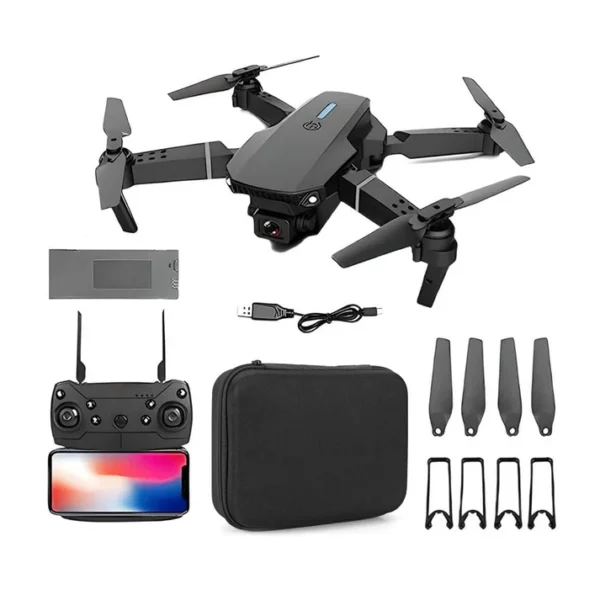
E88 Foldable Drone with 4K Wi-Fi FPV Dual Camera, 360° Flip & Aerial Photography
Original price was: ₹2,999.00.₹1,899.00Current price is: ₹1,899.00.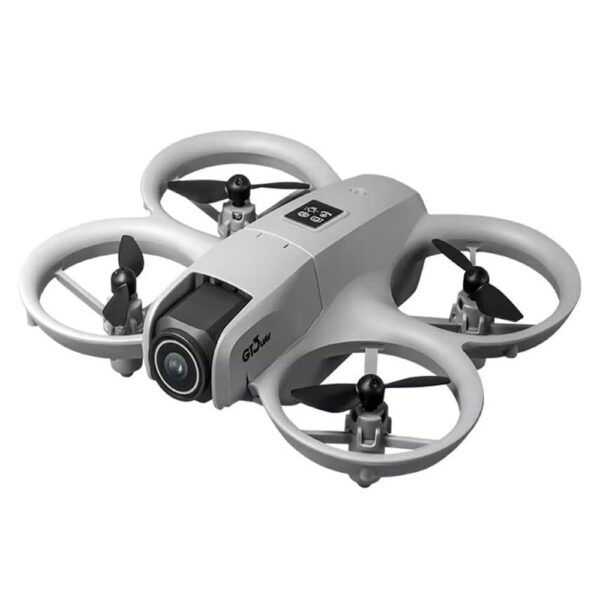
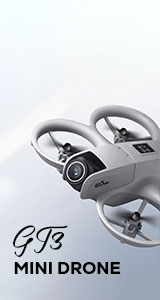
GT3 Mini Drone 68g with Dual Cameras, 180° ESC Lens, Optical Flow Hovering & Obstacle Avoidance
Original price was: ₹5,999.00.₹3,599.00Current price is: ₹3,599.00.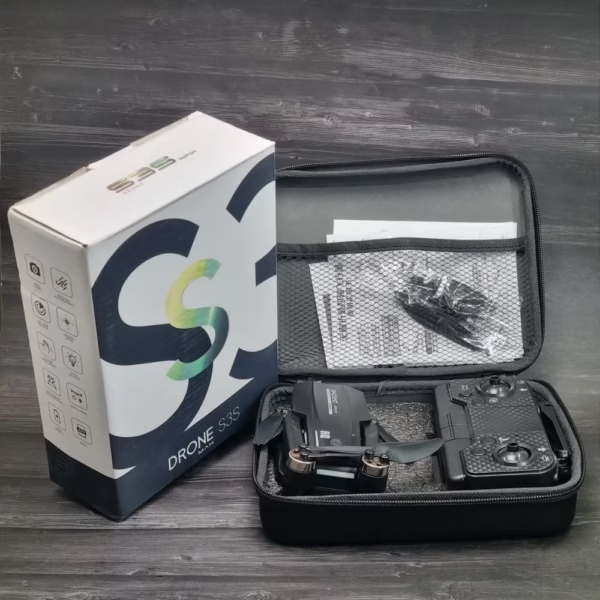
S3S Max Brushless With Gimbal Camera
Original price was: ₹9,999.00.₹5,999.00Current price is: ₹5,999.00.
The best discounts this week
Every week you can find the best discounts here.
DJW M4 Ultra 4K Dual Camera Drone
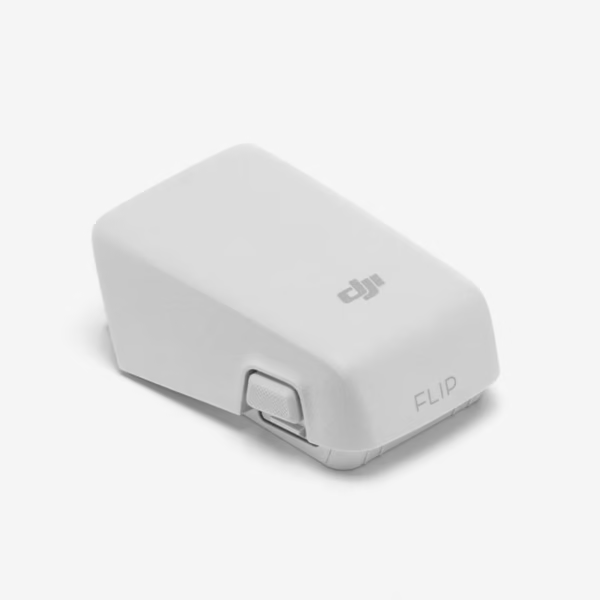
DJI Flip Intelligent Flight Battery
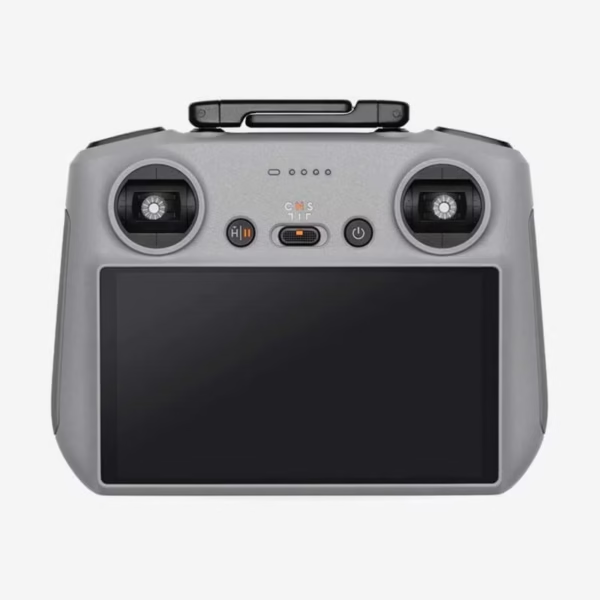
DJI RC 2 Controller
DJI Neo Propulsion Motor(Front)
DJI Mini 3 Pro Gimbal PTZ Signal Cable
Y3 Max 4K Gimbal Triple Camera Drone with Brushless Motor
DJI Fly App Explained: Features, Tips & Setup Guide
 Introduction
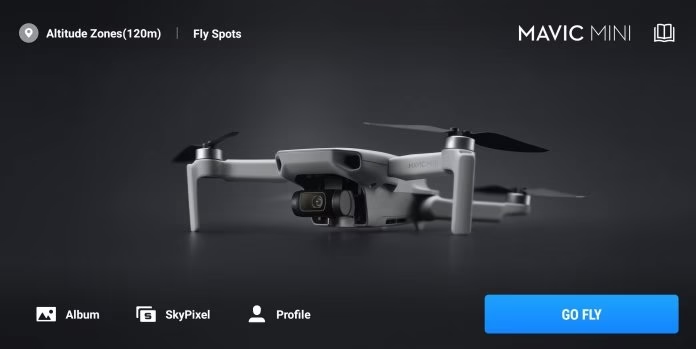
If you’re a drone enthusiast or a professional aerial photographer, the DJI Fly App is your essential companion. Designed to simplify drone control, enhance flight safety, and unlock advanced features, this app transforms your flying experience. Whether you’re a beginner with a DJI Mini series or a seasoned pro using the DJI Air or Mavic series, understanding the DJI Fly App can elevate your drone flights.
In this comprehensive guide, we’ll explain the app’s key features, provide step-by-step setup instructions, and share practical tips to get the most out of your DJI drone. By the end, you’ll be flying smarter, safer, and more creatively.
What is the DJI Fly App?
The DJI Fly App is an intuitive mobile application designed by DJI to control its consumer drones. It offers:
Live video feed from your drone’s camera.
Flight telemetry, including battery life, GPS status, and speed.
Intelligent flight modes like QuickShots, Panorama, and ActiveTrack.
Firmware updates and drone maintenance alerts.
The app is compatible with a wide range of DJI drones, including:
| DJI Drone Series | Compatible Features |
|---|---|
| DJI Mini Series | Simplified interface, QuickShots, Level 5 obstacle detection |
| DJI Air Series | Advanced intelligent flight modes, cinematic shots |
| DJI Mavic Series | High-end camera controls, automated filming templates |
Pro Tip: Always check for app updates before flying, as DJI frequently adds features and improves stability.
Setting Up the DJI Fly App
Getting started with the DJI Fly App is straightforward. Follow these steps to set up your drone safely:
Step 1: Download and Install
Download the app from the Apple App Store or Google Play Store.
Ensure your smartphone meets the minimum requirements for smooth operation.
Step 2: Account Creation
Sign in with a DJI account or create a new one.
Verify your email for added security and access to cloud features.
Step 3: Connect Your Drone
Power on your drone and remote controller.
Open the DJI Fly App and select your drone model.
Follow the on-screen prompts to establish a connection.
Tip: Keep your device firmware and app updated to prevent connectivity issues.
Step 4: Safety Settings
Enable geofencing and flight restrictions based on local regulations.
Set maximum altitude and distance limits for safer flights.
Key Features of the DJI Fly App
1. Intelligent Flight Modes
The app offers multiple intelligent modes for creative shots:
QuickShots: Automatically capture cinematic clips.
ActiveTrack: Track subjects with precise movement.
Point of Interest (POI): Circle around a target smoothly.
Panorama: Create wide-angle images automatically.
Example: Using QuickShot “Dronie” mode, a DJI Mini 4 Pro can film cinematic selfies effortlessly.
2. Camera Controls
Adjust shutter speed, ISO, and white balance.
Switch between photo and video modes easily.
Preview live feed in HD resolution for accurate framing.
3. Flight Data & Telemetry
The app provides real-time flight information:
GPS signal strength
Battery level and remaining flight time
Drone orientation and altitude
4. Tutorials and Flight Safety
For beginners, the DJI Fly App includes:
Interactive tutorials for first-time flyers
Warning alerts for low battery or GPS loss
Checklists to ensure safe flights
Tips to Maximize Your DJI Fly App Experience
Pre-Flight Checklist: Always check battery levels, propeller conditions, and firmware updates.
Use Cinematic Mode: Stabilize footage for professional-quality videos.
Plan Your Flight Path: Use waypoints and POI to automate complex shots.
Keep Your Device Cool: The app can heat smartphones during long flights; take breaks if needed.
Leverage Editing Tools: Use DJI Fly’s built-in editor for quick video processing.
Internal Link Opportunity: Explore the DJI Mini 4 Pro for seamless compatibility with the DJI Fly App.
Troubleshooting Common DJI Fly App Issues
| Issue | Solution |
|---|---|
| App not connecting to drone | Restart both devices and check for firmware updates |
| Video feed lag | Use a device with higher RAM and ensure strong GPS signal |
| App crashes | Clear cache or reinstall the app |
| Flight restrictions | Verify local regulations and update geofencing settings |
Advanced DJI Fly App Tricks
Custom Flight Modes: Tailor QuickShots and filming templates for unique perspectives.
Smart Return-to-Home (RTH): Set precise landing points to avoid obstacles.
Map View Navigation: Plan routes with integrated satellite maps.
Firmware Management: Update your drone remotely through the app.
Pro Tip: Experienced drone pilots use ActiveTrack and Waypoints together to capture complex shots for cinematic storytelling.
Key Takeaways / Quick Summary
The DJI Fly App is essential for controlling DJI drones and accessing intelligent flight features.
It provides camera controls, live telemetry, and safety alerts.
Intelligent flight modes like QuickShots, ActiveTrack, and Panorama simplify aerial photography.
Proper setup, firmware updates, and pre-flight checks ensure a safe and enjoyable experience.
Use built-in tutorials and editing tools to enhance your drone photography skills.
Suggested Related Posts:
Conclusion & Call-to-Action
Mastering the DJI Fly App opens up a world of creative possibilities for both beginners and professional drone pilots. From capturing stunning aerial footage to maintaining optimal flight safety, the app empowers you to fly smarter and more efficiently.
Ready to elevate your drone experience? Explore our collection of DJI drones and accessories to get started with the DJI Fly App today!
You must be logged in to post a comment.