How to Shoot Cinematic Drone Videos Like a Pro

Introduction

Want to shoot cinematic drone videos like a pro and captivate your audience with breathtaking aerial footage? Whether you’re a budding filmmaker, content creator, or drone enthusiast, mastering cinematic drone videography takes more than just flying a drone. With the right techniques, gear, and creative mindset, you can transform ordinary shots into professional-quality visuals that tell a story.

In this guide, we’ll cover everything from planning your shots to advanced drone maneuvers, lighting, and editing tips — so you can elevate your drone videos and impress viewers every time.


Why Cinematic Drone Videos Matter

Cinematic drone videos aren’t just visually stunning; they also:

  • Increase engagement on social media platforms by up to 80% compared to standard videos (Source: HubSpot).

  • Enhance storytelling by adding dynamic perspectives that traditional cameras cannot capture.

  • Boost brand credibility for filmmakers, vloggers, and businesses in marketing campaigns.

By learning how to shoot cinematic drone videos like a pro, you’re investing in skills that can set your content apart in a crowded digital landscape.


Essential Gear for Cinematic Drone Videography

Having the right equipment is the foundation for creating professional drone videos. Here’s what you’ll need:

Gear Purpose Recommendation
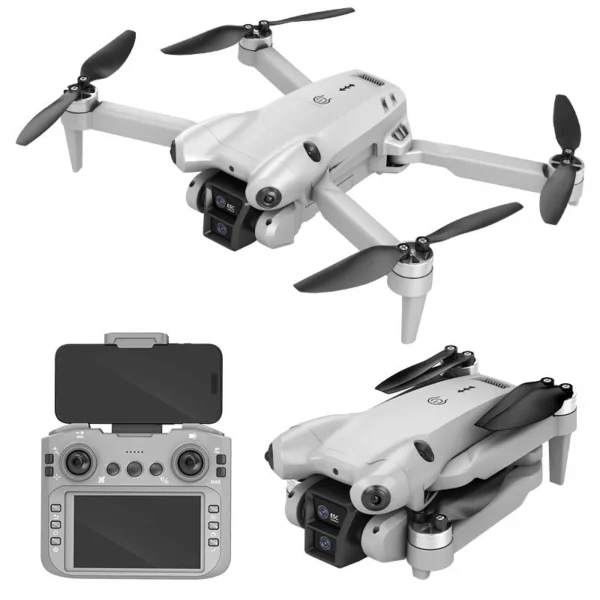
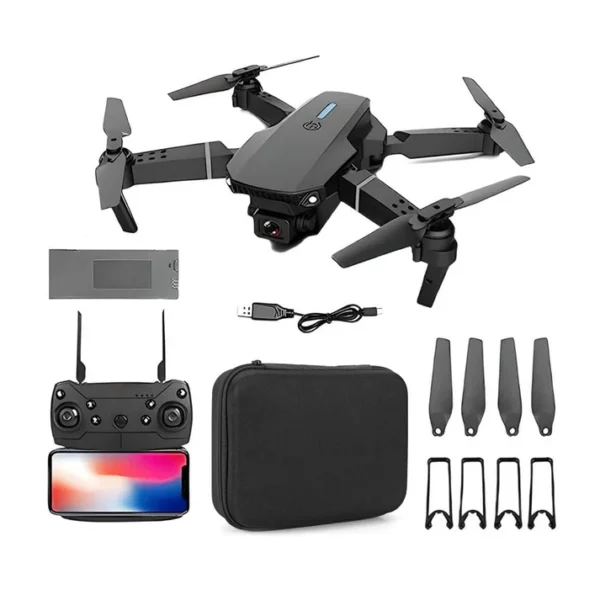
Drone Aerial footage DJI Mini 4 Pro, DJI Air 3, DJI Mavic 3
Gimbal Smooth footage Built-in DJI gimbals
ND Filters Control exposure DJI ND Filters set
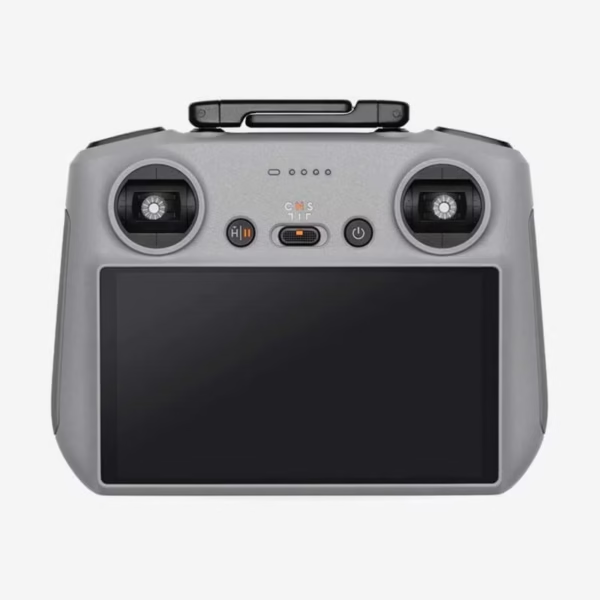
Remote Controller Precise control DJI RC Pro 2
Editing Software Post-production Adobe Premiere Pro, Final Cut Pro

Pro Tip: Check out the DJI Mini 4 Pro here to start capturing cinematic footage right away.


Plan Your Shots Like a Professional

1. Storyboard Your Sequence

Before taking off, map out the shots you want to capture. Storyboarding helps:

  • Visualize the flow of your video

  • Plan transitions between scenes

  • Save time during editing

2. Scout Locations

Consider:

  • Lighting conditions (golden hour = magical footage)

  • Obstacles such as trees, wires, or buildings

  • Legal restrictions and no-fly zones (Check DJI GEO maps)

3. Weather and Timing

Flying in windy or rainy conditions can affect video stability. Aim for calm weather with soft natural light.


Mastering Cinematic Drone Movements

Smooth, intentional movements are the key to professional-looking videos.

Common Drone Moves

  1. Tracking Shots: Follow a moving subject smoothly.

  2. Reveals: Fly past an object to reveal the scenery behind it.

  3. Orbit Shots: Circle around a subject for dynamic perspectives.

  4. Pullbacks: Slowly move backward to reveal context.

  5. Top-Down Shots: Capture symmetrical patterns or landscapes.

Tip: Always use slow, gradual movements for a cinematic effect. Sudden jerks make footage look amateurish.


Camera Settings for Cinematic Quality

Optimizing your drone’s camera settings is essential. Here’s a quick reference:

Setting Recommendation Why it Matters
Resolution 4K or higher Higher detail for professional output
Frame Rate 24-30 fps for cinematic Standard film-like motion
Shutter Speed 2x frame rate Smooth motion blur
ISO Lowest possible Reduces noise in bright conditions
White Balance Manual Consistent color across shots

Expert Advice: ND filters help maintain correct shutter speed in bright sunlight, producing smoother motion.


Lighting and Composition Tips

Even with the best drone, poor lighting can ruin your shot.

  • Golden Hour: The hour after sunrise or before sunset offers soft, warm light.

  • Rule of Thirds: Position subjects off-center for balanced compositions.

  • Leading Lines: Roads, rivers, or fences guide the viewer’s eye naturally.

  • Foreground Interest: Adding objects in the foreground creates depth.


Post-Production Techniques

Editing is where your footage truly comes to life.

  1. Color Grading: Adjust tones to evoke mood (warm cinematic vs. cool futuristic).

  2. Stabilization: Even with gimbals, software can refine shaky shots.

  3. Transitions: Use smooth cuts or fades to maintain cinematic flow.

  4. Music & Sound Effects: Enhance emotional impact — royalty-free tracks work great.

Pro Tip: Premiere Pro’s Lumetri Color panel is excellent for cinematic grading.


Legal and Safety Considerations

Shooting cinematic drone videos like a pro also means flying responsibly:

  • Register drones if required (DGCA guidelines in India).

  • Respect privacy and avoid flying over crowds.

  • Keep the drone in line-of-sight at all times.

  • Use geofencing features to prevent accidental entry into restricted areas.

Safety ensures your footage isn’t just stunning, but also legally compliant.


Common Mistakes to Avoid

  • Flying too fast: Causes jerky, unprofessional shots.

  • Ignoring weather conditions: Wind can ruin stabilization.

  • Overusing filters or post-effects: Less is more for cinematic realism.

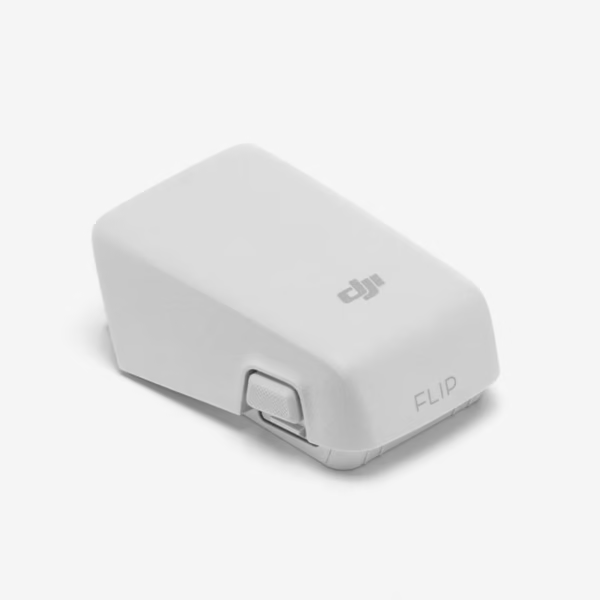
  • Neglecting battery management: Avoid mid-air failures.

Check out the DJI Drone Batteries and Chargers for reliable flight time and performance.


Key Takeaways

  • Start with the right gear: drone, gimbal, ND filters, controller, and editing software.

  • Plan your shots with storyboards, location scouting, and weather checks.

  • Use cinematic drone movements like tracking, reveals, or orbits.

  • Adjust camera settings for 4K, proper frame rate, ISO, shutter speed, and white balance.

  • Focus on lighting, composition, and post-production for polished results.

  • Fly safely and legally to avoid risks and restrictions.

By following these expert tips, you can consistently create cinematic drone videos like a pro that impress clients, audiences, and social media followers.


Related Resources


Call to Action

Ready to take your aerial videography to the next level? Explore our collection of DJI drones and accessories to start shooting cinematic drone videos like a pro today. Now you can Shoot Cinematic Drone Videos Like a Pro.