
- Tech Gadgeds
- Goods for Games
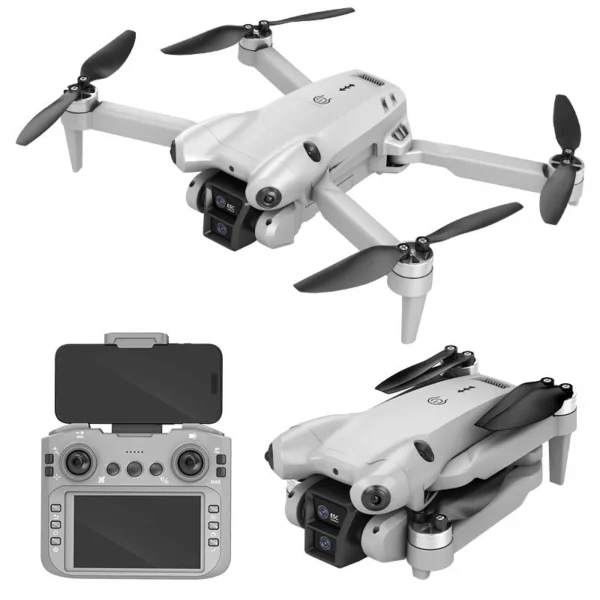
DJW M4 Ultra 4K Dual Camera Drone
Original price was: ₹8,999.00.₹5,999.00Current price is: ₹5,999.00.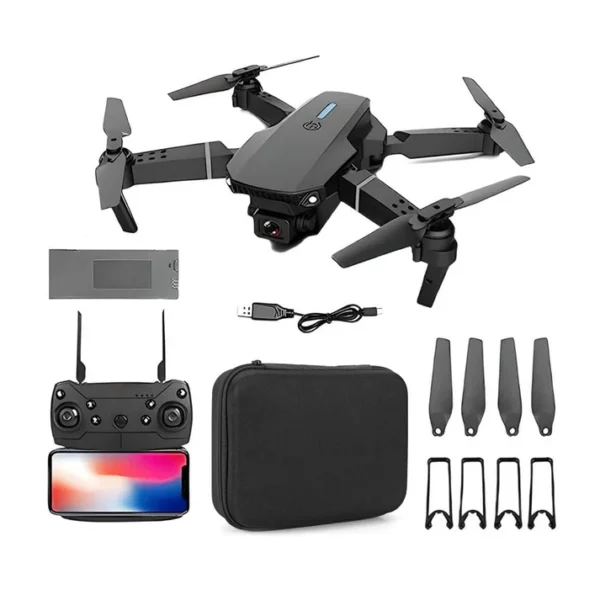
E88 Foldable Drone with 4K Wi-Fi FPV Dual Camera, 360° Flip & Aerial Photography
Original price was: ₹2,999.00.₹1,899.00Current price is: ₹1,899.00.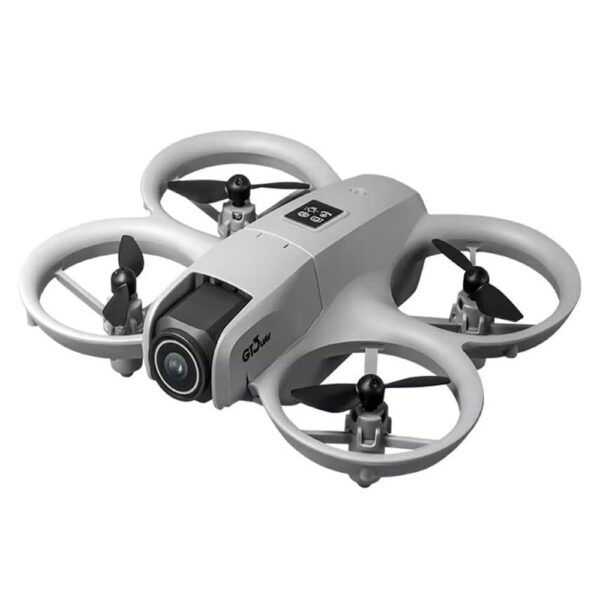
GT3 Mini Drone 68g with Dual Cameras, 180° ESC Lens, Optical Flow Hovering & Obstacle Avoidance
Original price was: ₹5,999.00.₹3,599.00Current price is: ₹3,599.00.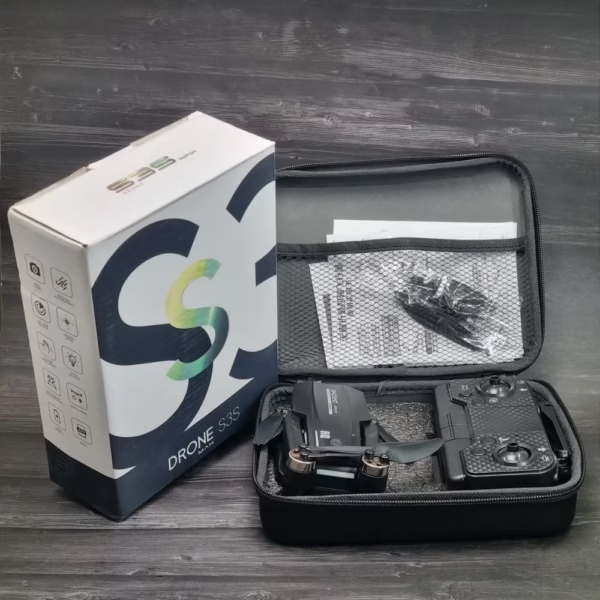
S3S Max Brushless With Gimbal Camera
Original price was: ₹9,999.00.₹5,999.00Current price is: ₹5,999.00.
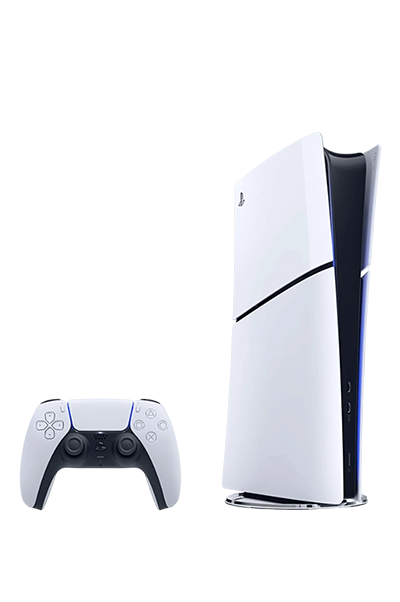
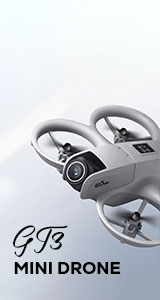
The best discounts this week
Every week you can find the best discounts here.
DJW M4 Ultra 4K Dual Camera Drone
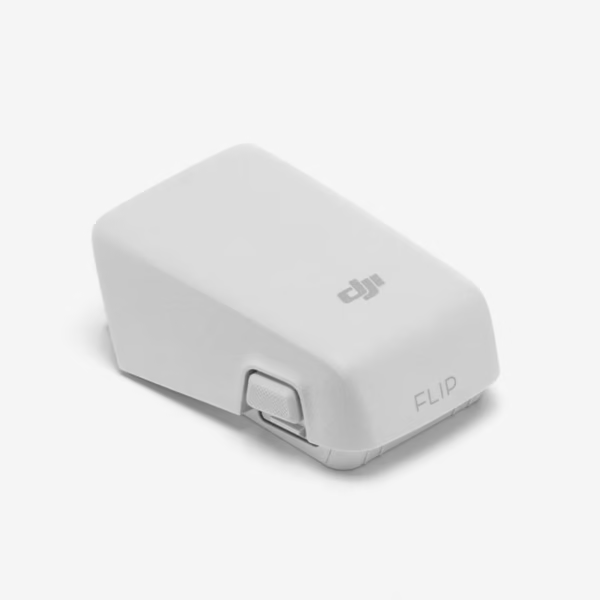
DJI Flip Intelligent Flight Battery
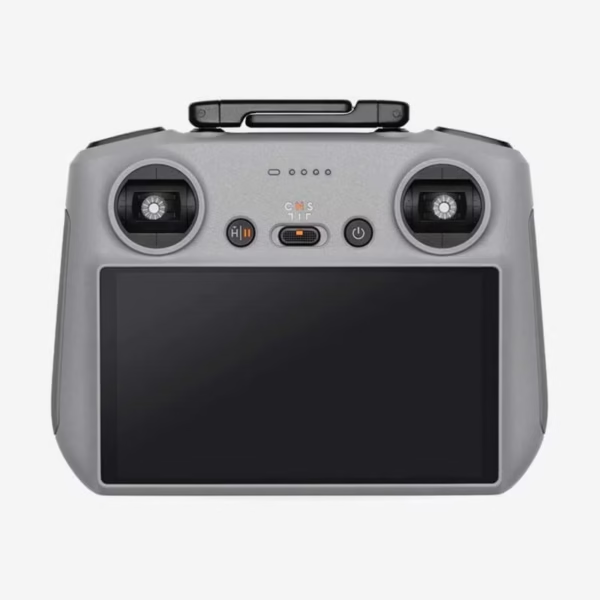
DJI RC 2 Controller
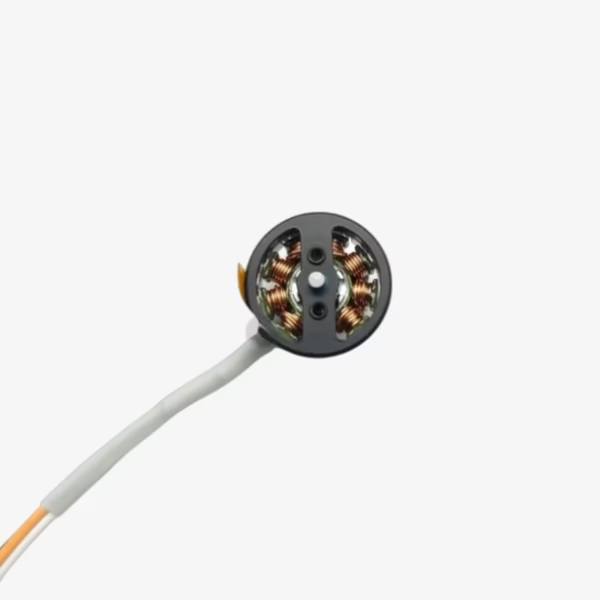
DJI Neo Propulsion Motor(Front)
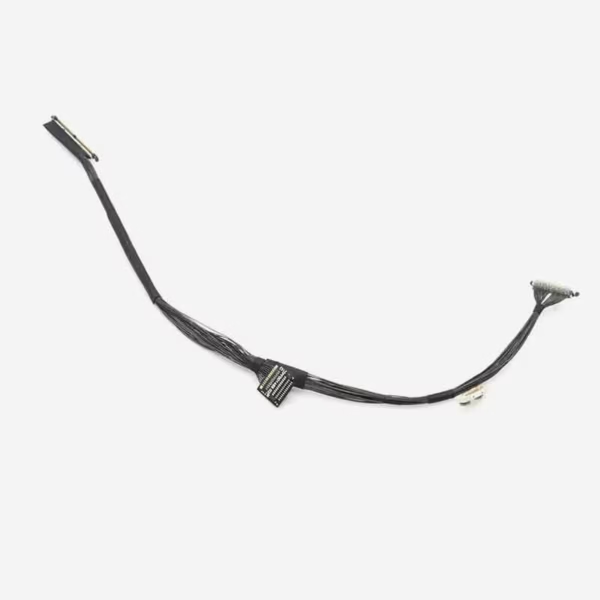
DJI Mini 3 Pro Gimbal PTZ Signal Cable
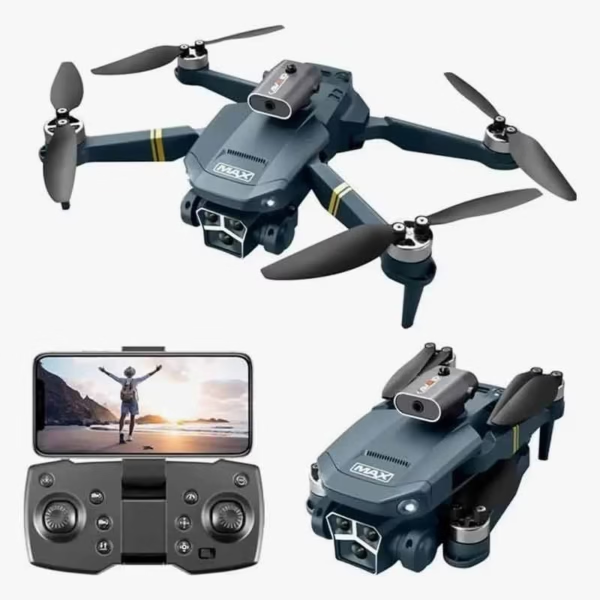
Y3 Max 4K Gimbal Triple Camera Drone with Brushless Motor
DJI Drone Firmware Updates: Why They Matter & How to Install
 Introduction
DJI drones are celebrated for their cutting-edge technology, precision, and reliability. But even the most advanced drones need regular software updates to maintain peak performance. DJI drone firmware updates are not just routine—they’re essential for safety, stability, and unlocking new features. In this guide, we’ll explore why firmware updates matter, how to install them safely, and the best practices to keep your drone flying flawlessly.
What Are DJI Drone Firmware Updates?
Firmware is the low-level software that controls your drone’s hardware, including the flight controller, camera, sensors, and connectivity systems. Think of it as the “brain” that ensures every function works correctly.
Key purposes of firmware updates:
Bug fixes: Resolving issues like connectivity drops or camera glitches.
Performance improvements: Smoother flight control, better GPS accuracy, enhanced battery management.
New features: Access to updated flight modes, intelligent obstacle avoidance, or advanced camera settings.
Security patches: Protection against potential vulnerabilities.
Example: DJI’s Mavic Air 2 firmware update in 2023 improved battery life and added new QuickShots for cinematic videos.
Why DJI Drone Firmware Updates Are Critical
Enhanced Flight Safety
Firmware updates often fix known bugs or system errors. Outdated firmware can increase the risk of crashes, GPS errors, or unresponsive controls.Improved Performance and Stability
Firmware updates optimize your drone’s performance, from smoother gimbal movements to faster signal recovery when connection is lost.Access to New Features
DJI frequently introduces innovative features through firmware updates—like improved tracking modes or upgraded obstacle avoidance systems. Staying updated ensures you don’t miss out.Compliance with Regulations
Certain firmware updates include geofencing adjustments and airspace compliance features. This keeps your drone operation legal and safe in restricted zones.
How to Check Your DJI Drone’s Firmware Version
Knowing your current firmware version is essential before updating. Here’s how:
Power on your drone and remote controller.
Connect the drone to the DJI Fly or DJI GO app.
Navigate to Profile > About > Firmware Version.
Compare your version with the latest available on DJI’s official website.
Tip: Always back up your flight logs before updating, as some updates may reset settings.
Step-by-Step Guide: Installing DJI Drone Firmware Updates
Updating your DJI drone firmware is straightforward but must be done carefully.
Method 1: Using the DJI Fly or DJI GO App
Connect your drone and remote controller to the app.
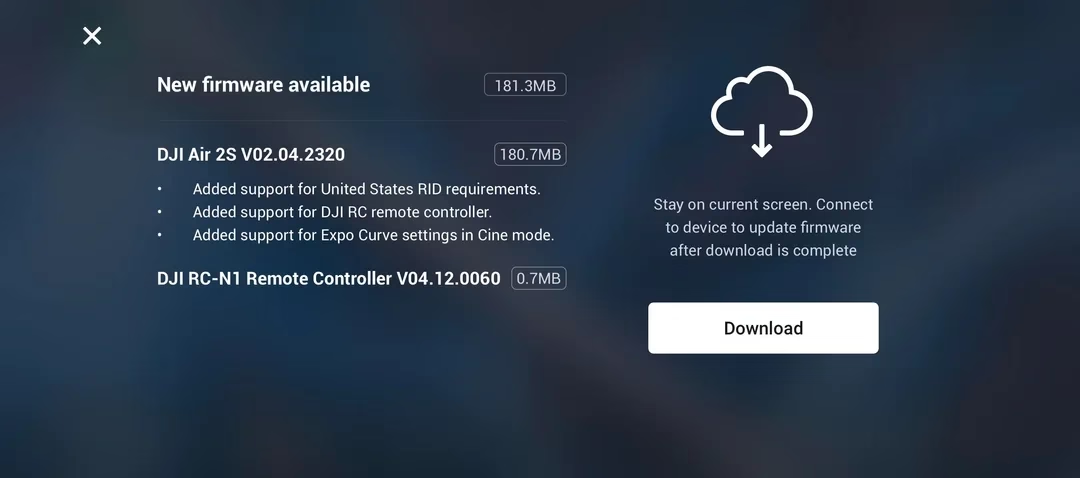
If an update is available, a pop-up notification will appear.
Tap Update and ensure your device stays powered on.
Wait for the update to complete; your drone may restart automatically.
Method 2: Using DJI Assistant 2 on PC
Download and install DJI Assistant 2 from DJI’s official website.
Connect your drone to the PC via USB.
Launch DJI Assistant 2 and log in.
Select your drone model and click Firmware Update.
Choose the latest firmware and start the update process.
Do not disconnect during installation.
Pro Tips for a Smooth Update:
Ensure your drone battery is at least 50% charged.
Use a stable Wi-Fi connection for downloading firmware.
Avoid updating near strong electromagnetic interference or areas with poor GPS signals.
Troubleshooting Common Firmware Update Issues
| Problem | Possible Cause | Solution |
|---|---|---|
| Update fails to start | Low battery | Charge drone and remote controller above 50% |
| App shows “Firmware Error” | Poor Wi-Fi connection | Switch to stable Wi-Fi or use DJI Assistant 2 |
| Drone not connecting | Outdated app | Update DJI Fly/GO app to latest version |
| Drone freezes during update | Interrupted power or USB | Restart device, retry update, contact DJI support if persists |
Safety Reminder: Never power off your drone mid-update—it can permanently damage the system.
Best Practices After Updating Firmware
Calibrate sensors: IMU, compass, and gimbal calibration ensure accurate flight.
Test flight in a safe area: Confirm stability before flying in critical locations.
Check settings: Update may reset customized settings like camera modes or return-to-home altitude.
Review release notes: Understand what improvements or changes the update brings.
Internal Linking Opportunities
To get the most from your drone, consider exploring these products:
Check out the DJI Mini 4 Pro for beginners who want advanced firmware features.
Explore the DJI Air 3 to experience the latest intelligent flight modes.
Browse essential DJI drone accessories for safer, enhanced flying experiences.
Related Posts for Better Topical SEO
How to Choose the Best DJI Drone for Beginners
Top DJI Accessories to Maximize Flight Performance
DJI Drone Battery Care: Tips for Longer Flight Times
Key Takeaways / Quick Summary
DJI drone firmware updates are essential for safety, performance, and new features.
Always check your firmware version before updating.
Use the DJI Fly app or DJI Assistant 2 to install updates safely.
Follow best practices after updating, including calibration and test flights.
Regular firmware updates keep your drone secure, legal, and fully functional.
Staying updated is not just about new features—it’s about protecting your investment and enjoying safer, smoother flights.
Call-to-Action
Ready to take your DJI drone experience to the next level? Explore our full collection of DJI drones and accessories to ensure your flights are always safe, fun, and cutting-edge.
You must be logged in to post a comment.