
- Tech Gadgeds
- Goods for Games
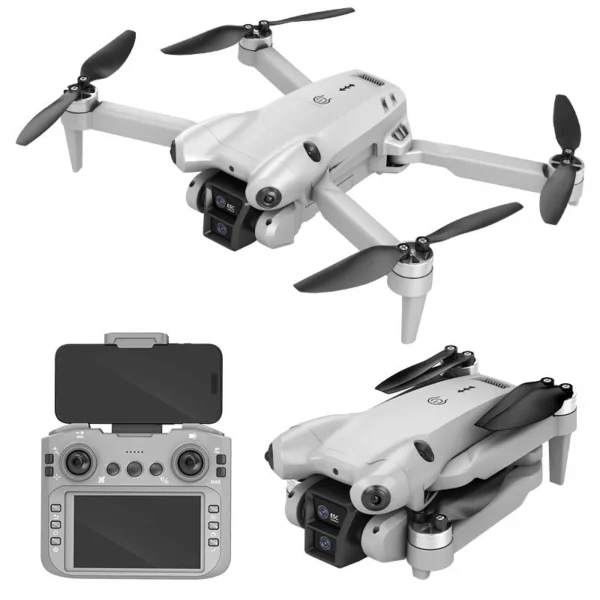
DJW M4 Ultra 4K Dual Camera Drone
Original price was: ₹8,999.00.₹5,999.00Current price is: ₹5,999.00.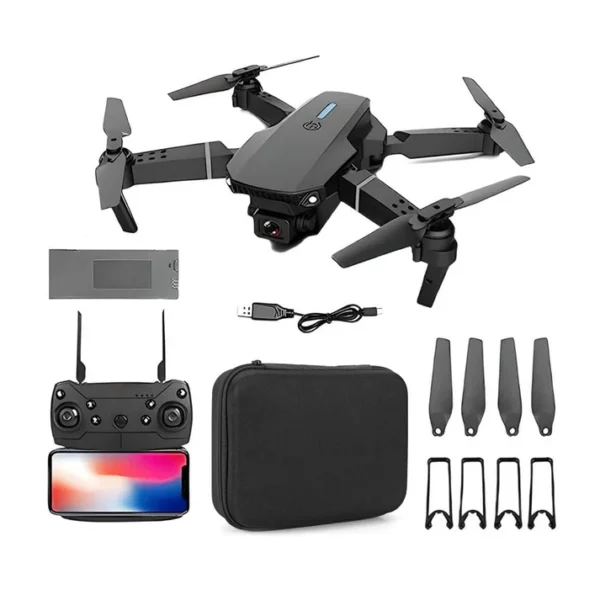
E88 Foldable Drone with 4K Wi-Fi FPV Dual Camera, 360° Flip & Aerial Photography
Original price was: ₹2,999.00.₹1,899.00Current price is: ₹1,899.00.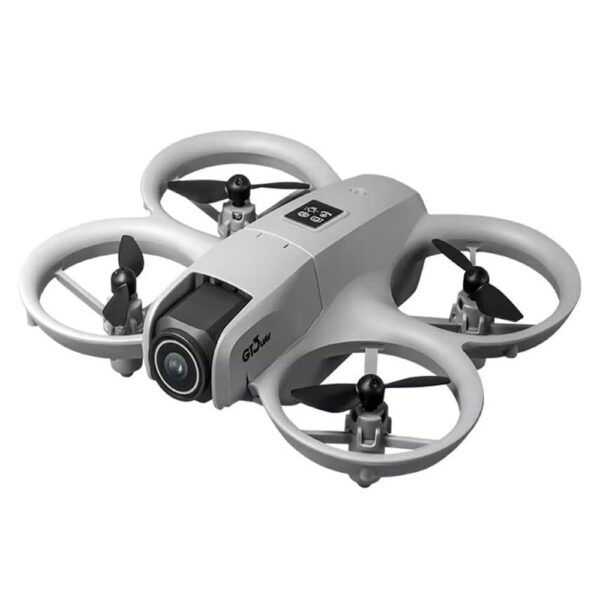
GT3 Mini Drone 68g with Dual Cameras, 180° ESC Lens, Optical Flow Hovering & Obstacle Avoidance
Original price was: ₹5,999.00.₹3,599.00Current price is: ₹3,599.00.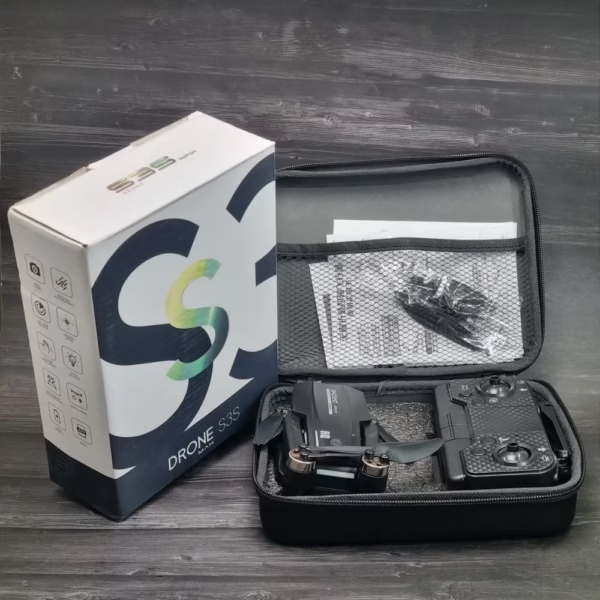
S3S Max Brushless With Gimbal Camera
Original price was: ₹9,999.00.₹5,999.00Current price is: ₹5,999.00.
The best discounts this week
Every week you can find the best discounts here.
DJW M4 Ultra 4K Dual Camera Drone
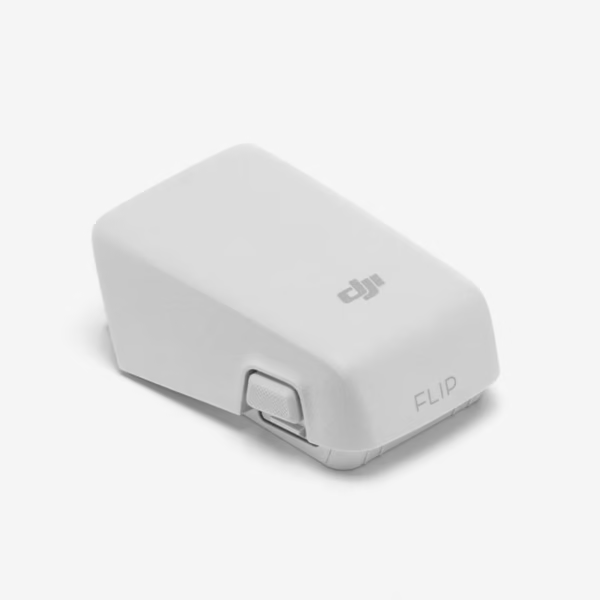
DJI Flip Intelligent Flight Battery
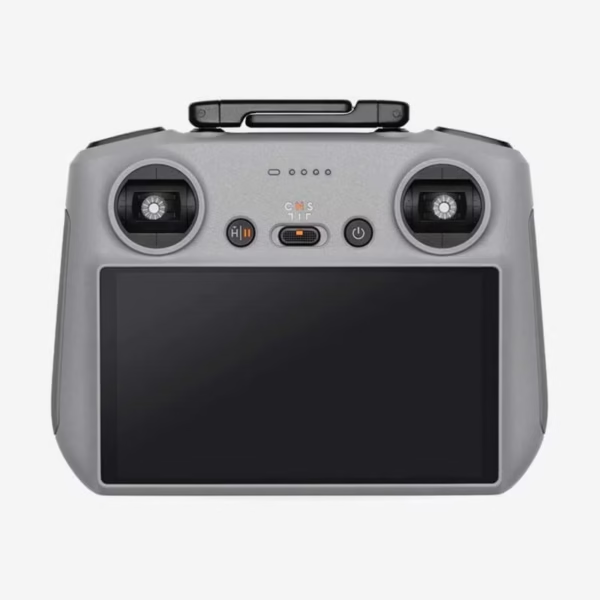
DJI RC 2 Controller
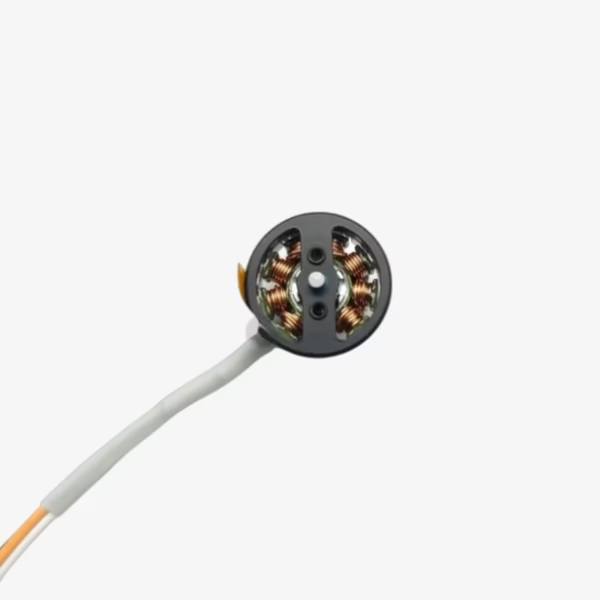
DJI Neo Propulsion Motor(Front)
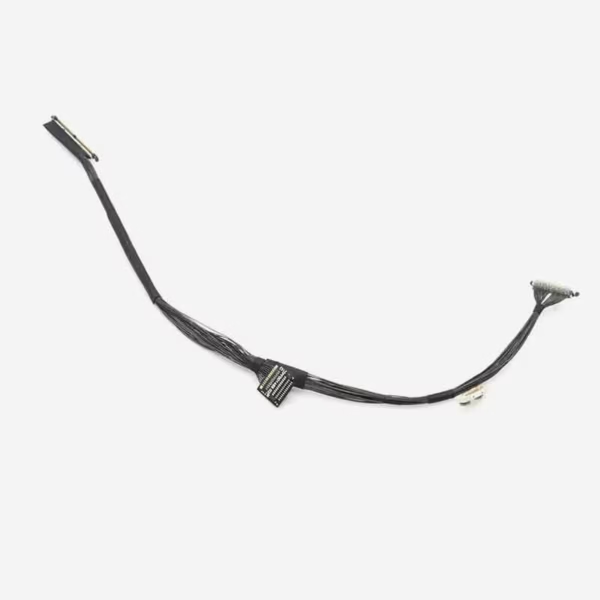
DJI Mini 3 Pro Gimbal PTZ Signal Cable
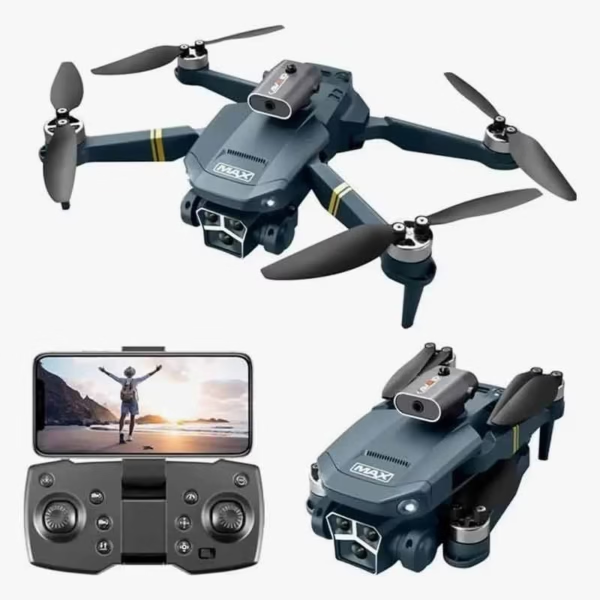
Y3 Max 4K Gimbal Triple Camera Drone with Brushless Motor
Troubleshooting DJI Drones: Fix Common Issues in Minutes
 Introduction
If you’re a drone enthusiast or professional, you know the thrill of taking to the skies with your DJI drone. But even the most advanced drones can experience glitches, from connectivity problems to unexpected crashes. Troubleshooting DJI drones doesn’t have to be a headache — with the right knowledge, you can fix most issues in minutes and get back to capturing stunning aerial footage.
In this guide, we’ll explore common problems, practical solutions, and tips to maintain your DJI drone for long-lasting performance. Whether you own a DJI Mini Series, Mavic Series, or DJI Air Series, this guide will help you resolve issues quickly and safely.
Common DJI Drone Issues and How to Fix Them
1. Drone Not Powering On
Possible Causes:
Battery drained or damaged
Faulty connection between battery and drone
Firmware glitches
Solutions:
Fully charge your battery and ensure it’s correctly installed.
Inspect the battery for swelling or damage; replace if necessary.
Perform a soft reset by pressing the power button once, then holding it for 3–5 seconds.
Update your drone’s firmware via the DJI Fly app to fix software-related issues.
Pro Tip: Keep an extra battery like the DJI Drone Battery on hand to avoid downtime.
2. Remote Controller Connection Issues
Symptoms: Drone won’t respond to controls, delayed movements, or signal loss.
Causes:
Interference from nearby Wi-Fi or electronic devices
Outdated controller firmware
Obstructions between controller and drone
Fixes:
Move to an open area away from potential interference.
Re-pair your remote controller with the drone following DJI’s instructions.
Ensure firmware is updated using the DJI Fly or DJI GO 4 app.
Tip: For consistent performance, check out the DJI Remote Controller for replacement or backup options.
3. GPS Signal Problems
A weak GPS signal can prevent your drone from taking off or maintaining stable flight.
Common Causes:
Flying in areas with tall buildings or dense trees
Firmware issues
GPS module malfunction
Quick Fixes:
Move to an open area with a clear view of the sky.
Wait for the drone to lock onto at least 6–8 satellites before takeoff.
Calibrate the compass if GPS issues persist (found in DJI app settings).
Pro Tip: Always calibrate the compass when flying in a new location.
4. Propeller Malfunctions
Signs: Unstable flight, vibrations, or unusual noises.
Possible Causes:
Damaged, loose, or improperly installed propellers
Dirt or debris on propeller motors
Solutions:
Inspect all propellers before every flight.
Replace any chipped or cracked propellers with genuine DJI parts.
Clean motors gently to remove dust and debris.
Product Link: Browse genuine DJI Propellers to ensure optimal flight performance.
5. Camera or Gimbal Issues
Symptoms: Blurry footage, gimbal shaking, or camera not responding.
Causes:
Loose gimbal connections
Firmware errors
Physical damage from crashes
Fixes:
Reboot the drone and check gimbal calibration.
Update firmware through the DJI Fly app.
Inspect for loose wires or damage; replace the gimbal if necessary.
Pro Tip: A protective gimbal cover like Gimbal Protector can prevent damage during transport.
6. Overheating Issues
Symptoms: Warning messages or automatic landing.
Causes:
Extended flight in hot conditions
Battery overuse
Blocked ventilation
Preventive Measures:
Avoid flying in direct sunlight for extended periods.
Take breaks between flights to let the drone cool down.
Ensure vents are clear of dust or debris.
Maintenance Tips to Prevent Future Issues
Preventing problems is easier than troubleshooting them. Here are essential maintenance practices:
Regular Firmware Updates: Always update the drone, remote, and DJI app to the latest versions.
Battery Care: Avoid fully discharging batteries and store them in a cool, dry place.
Propeller Inspections: Replace propellers after noticeable wear or crashes.
Gimbal and Camera Checks: Ensure gimbals are calibrated and cameras are clean before each flight.
Safe Storage: Use dedicated drone cases like DJI Drone Cases to protect from dust and impact.
Quick Summary / Key Takeaways
| Issue | Quick Fix | Product Reference |
|---|---|---|
| Drone won’t power on | Charge battery, reset, firmware update | DJI Battery |
| Controller issues | Re-pair, update firmware, remove interference | DJI Remote Controller |
| GPS problems | Move to open area, calibrate compass | – |
| Propeller malfunction | Inspect, clean, replace if damaged | DJI Propellers |
| Camera/gimbal issues | Reboot, calibrate, inspect | Gimbal Protector |
| Overheating | Avoid hot conditions, cool down, clean vents | – |
Real-World Example
Many DJI Mini 4 Pro users report sudden GPS issues in urban areas. Following the steps above — relocating to open space and recalibrating the compass — resolves the problem in under five minutes, demonstrating that quick troubleshooting saves both time and frustration.
Related Posts
Conclusion & Call-to-Action
Troubleshooting DJI drones doesn’t have to be intimidating. By understanding common issues and applying these simple fixes, you can keep your drone flying smoothly and safely. Regular maintenance, genuine accessories, and staying updated with firmware ensures a long-lasting, high-performance drone experience.
Explore our collection of DJI Drone Batteries, Controllers, and Accessories to enhance your flying experience and never miss a shot.
You must be logged in to post a comment.